pyTHE PRACTICAL SERIES

PRACTICAL AUTOMATION EDITION / 2026

Start with print.
Build something
that saves time.

Python: From Noob to Pro takes you from your first script to useful, testable automation. Learn by reading, running, debugging, and building.

One-time purchase · PDF + code · Delivered through Gumroad
500pages to learn & practice
60guided chapters
10practical projects
YOUR NEXT USEFUL SKILL01—60
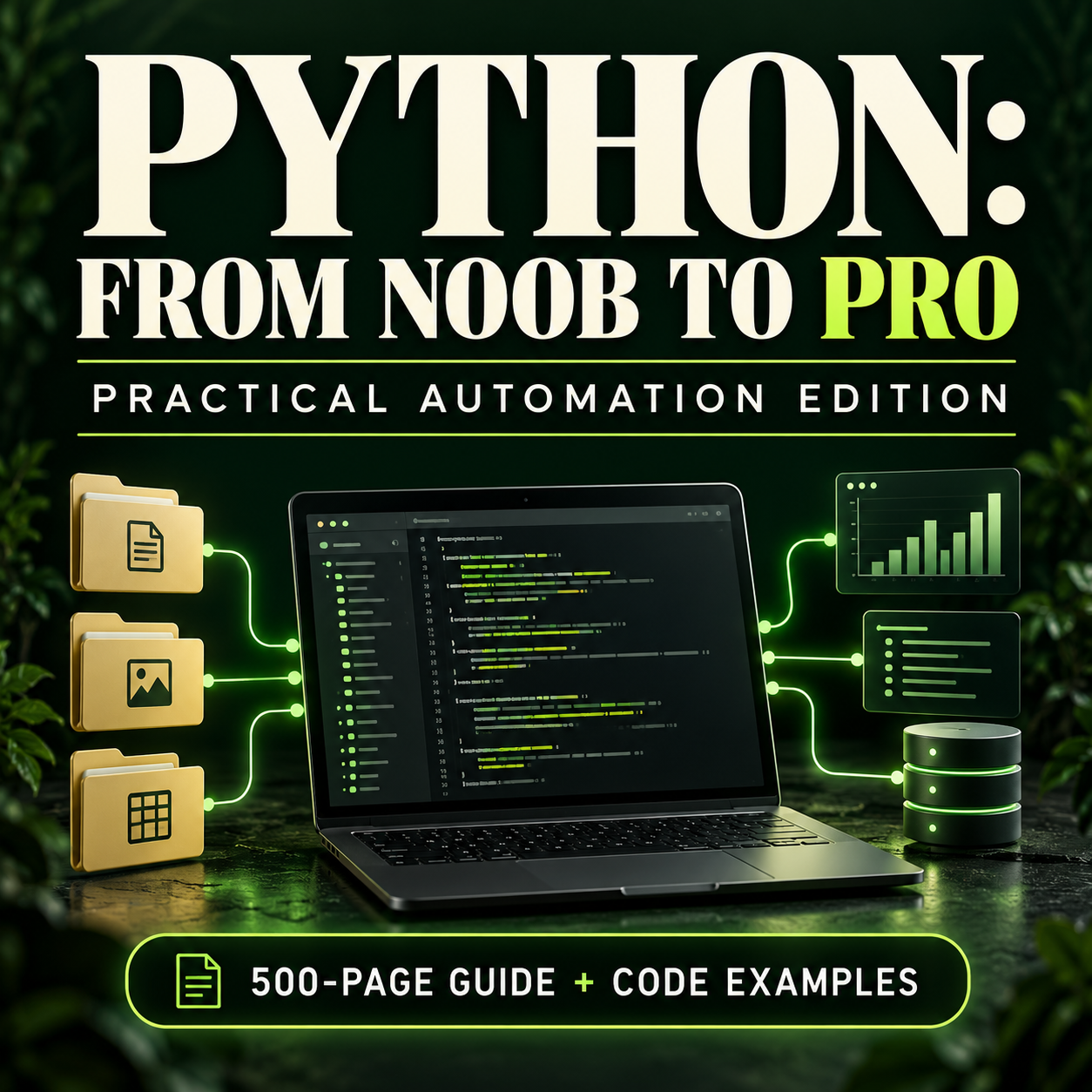
Python: From Noob to Pro book cover in forest green and lime, with a laptop and connected data files
READ → RUN → VERIFYSTANDARD LIBRARY FIRST
FILES & FOLDERS✳CSV & JSON✳COMMAND-LINE TOOLS✳TESTS & RELIABILITY✳REAL PRACTICE

LESS GUESSING. MORE UNDERSTANDING.

A useful script is one
you can explain.

You don’t need a programming background. Start with values, decisions, and loops, then work toward files, reports, databases, and repeatable workflows.

This is a tutorial and a lab book: the 500 pages include code, debugging prompts, verification cases, and writing space. Read the free 20-page sample to see the format.

your-first-automation.py
# Small steps. Clear results.
from pathlib import Path

folder = Path("practice")
files = sorted(folder.glob("*.csv"))

for path in files:
    print(path.name)

# Next: validate, report, test.
Build the habit of inspecting before applying.

A CLEAR PATH, ONE CHAPTER AT A TIME

From first run
to reliable routines.

60 chapters in six parts. Each chapter follows eight steps: concept, example, trace, debug, lab, solution, verification, and application.

01Your first scriptsChapters 01–10 · pp. 13–92
  1. Run your first useful script
  2. Names, values, and assignment
  3. Numbers, arithmetic, and exact money
  4. Format reports with strings
  5. Normalize text without destroying meaning
  6. Compare values and combine conditions
  7. Choose a branch with if and elif
  8. Repeat work with for loops
  9. Use while loops with an explicit stopping rule
  10. Use lists as ordered collections
02Structure and boundariesChapters 11–20 · pp. 93–172
  1. Tuples and unpacking
  2. Dictionaries and named records
  3. Sets and uniqueness
  4. Functions with a clear contract
  5. Arguments, defaults, and keyword clarity
  6. Return structured results and control scope
  7. Handle expected exceptions narrowly
  8. Validate inputs at the boundary
  9. Modules, imports, and the main guard
  10. Represent paths with pathlib
03Files and dataChapters 21–30 · pp. 173–252
  1. Read text with explicit encoding
  2. Write outputs without casual overwriting
  3. Discover files deterministically
  4. Keep paths inside an intended workspace
  5. Plan copies before performing them
  6. Read CSV as structured rows
  7. Write CSV with a stable schema
  8. Load and validate JSON
  9. Dates, times, and explicit time zones
  10. Use regular expressions for a narrow grammar
04Reusable tools and testsChapters 31–40 · pp. 253–332
  1. Count and group records with collections
  2. Sort records and group adjacent values
  3. Stream work with iterators and generators
  4. Type hints and dataclasses
  5. Manage resources with context managers
  6. Build a command-line interface with argparse
  7. Configuration and environment variables
  8. Log useful events without leaking data
  9. Test behavior with unittest
  10. Use fakes and mocks at external boundaries
05Reliable automationChapters 41–50 · pp. 333–412
  1. Store records in SQLite
  2. Keep related changes in a transaction
  3. Separate HTTP transport from data processing
  4. Bound pagination and retries
  5. Run a subprocess with explicit arguments
  6. Use bounded threads for independent work
  7. Understand async tasks and cancellation
  8. Hash files for comparison and verification
  9. Create and inspect ZIP archives
  10. Package, measure, and maintain a small tool
06Practical projectsChapters 51–60 · pp. 413–492
  1. Project: a read-only file inventory
  2. Project: a CSV cleaner with rejection records
  3. Project: an expense summary in integer cents
  4. Project: a log summary with malformed-line reporting
  5. Project: find duplicate-content candidates
  6. Project: a collision-aware rename planner
  7. Project: a ZIP backup with a manifest
  8. Project: a small SQLite contact store
  9. Project: an offline API reporting adapter
  10. Capstone: a preview-first reporting pipeline

THE FINAL TEN CHAPTERS

Make Python useful
in your everyday work.

01 / ORGANIZE

Understand your files.

Build an inventory, find duplicate content, design a rename plan, and create an archive manifest.

02 / TRANSFORM

Turn messy data into reports.

Clean CSV records, calculate expenses with integer cents, summarize logs, and shape offline API data.

03 / REPEAT

Build a repeatable workflow.

Work with SQLite contacts and finish a preview-first CSV-to-JSON pipeline with a command-line interface.

Projects use fictional data and controlled fixtures. HTTP lessons run offline; no paid service or API key is required.

HOW A CHAPTER WORKS

Learn it.
Try it.
Check it.

UNDERSTAND THE MOVING PARTS

Read a focused lesson.
Run a real example.

Trace the input, state changes, and output. Compare what you expected with the demonstrated result. Use the debugging prompts to investigate a failure.

See a complete chapter ↗

YOUR DOWNLOADABLE LEARNING KIT

One guide.
A lot to build.

  • 500-page PDF tutorial and lab book
  • 60 examples + 60 reference solutions
  • 10 automation projects across the final chapters
  • Code verification runner + fictional practice data
  • 60 printable lab pages extracted for convenience
  • Markdown edition, learning plan, and resources
COMPLETE EDITION

$20USD

One-time purchase.
Download and learn at your own pace.

Get Python: From Noob to Pro ↗

Secure checkout and downloads via Gumroad.
Applicable taxes may be added at checkout.

Read the free sample first →

BEFORE YOU START

A few practical questions.

Is this suitable for a complete beginner?

Yes. Begin with installation, running a file, values, decisions, and loops. Advanced chapters build toward maintainable automation. “Pro” describes the direction of study; it is not a certification or a promise of employment.

What do I need to run the examples?

A computer, a text editor, and Python. The code uses Python 3.11 syntax as its baseline and the standard library. Use a currently maintained patch release suited to your environment. The release checks ran on Windows with CPython 3.11.9 and 3.12.14.

What does 500 pages include?

12 opening pages, 60 eight-page chapters, and eight reference pages. Each chapter includes explanatory content, code, an exercise, a solution, verification cases, and worksheet space. The separate 60-page lab PDF repeats the exercise pages for convenient printing.

Can I use the code in my own projects?

Yes, you can adapt the supplied code for personal and commercial projects. Review and test your adaptations. This permission does not grant resale or redistribution rights to the ebook or complete bundle.

Does it need subscriptions or paid APIs?

No. Supplied examples run with the standard library and controlled fixtures. HTTP lessons use offline responses. Live API authentication and production scheduling depend on your own environment and need additional review.